Custom Trainings
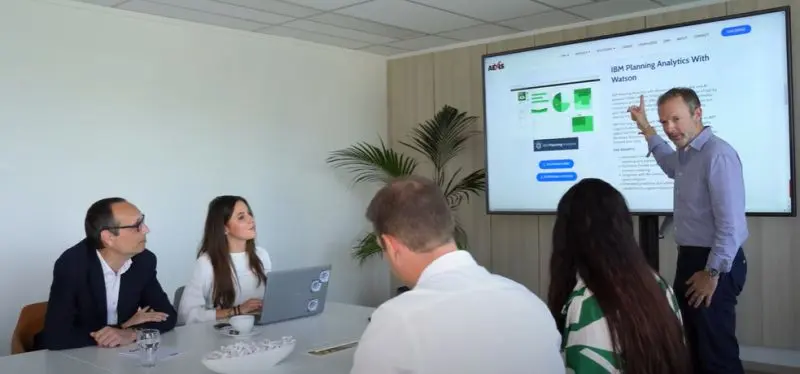
in-house
Tailored to your application and specific needs
Ensures focused and effective learning for your teams

AEXIS, a certified training provider and a market leader in France, offers IBM Planning Analytics training (PAW, PAFE) as well as tailored coaching to strengthen the skills of your FP&A teams.
Aexis is a certified training organization (no. 11 92 132 23 92), offering complete training programs for its BI software. Our mission is to cover all your training needs for application implementation and ongoing evolution.
As the leading IBM Planning Analytics training provider in France for over 15 years, we are experts in implementing the solution and hold the highest level of certification from IBM.
in-house
Tailored to your application and specific needs
Ensures focused and effective learning for your teams
open sessions
Brings together trainees from various companies on set dates
Standard content with typical use-case examples
the ultimate customized solution
One-on-one with one of our expert trainers
Enables fast skill acquisition in a targeted area
Led by Planning Analytics specialists, these sessions are an efficient alternative to in-person training.
Follow the same programs as in-person sessions with the same hands-on approach and visual materials
We provide access to our servers for exercises using sample data or replicas of your environment
More flexible than on-site training - schedule by half-days to fit your availability
Reduces travel and optimizes budget
For new users: analyze TM1 data, create views, books and dashboards, enter simulations, share analyses, and publish connected Excel reports in PAW.
For former Perspective users: move existing habits to PAW and PAFE, including views, books, dashboards, Excel publishing, and the key differences with Perspectives.
For Perspective users or new users: multidimensional navigation, dynamic views, comments, simulations, and PAW dashboards with KPIs.
For users and advanced report authors: multidimensional concepts, PA analysis in Excel, report creation, working with provided models, and hierarchy usage.
For future TM1 and ETL administrators: dimensional modeling, cubes, dimensions, imports, rules, feeders, access rights, technical objects, and production delivery.
Analysts, controllers, product managers, sales teams, and application contributors who want to analyze PAW and PAFE data, create dashboards, and share reports.
No prerequisites.
Experienced users, especially former Perspective users, who want to transfer their analysis, reporting, and sharing habits to PAW and PAFE.
Previous use of TM1 Perspective.
Perspective users or new users who want to analyze data in PAW and create views, dashboards, and visual reports.
No prerequisites.
Users, analysts, and advanced report authors who want to analyze PA data in Excel and create their own reports.
Daily use of computers, office tools, internet tools, and Excel.
Business analysts, decision-makers, project managers, and future administrators responsible for designing, maintaining, evolving, or administering an IBM PA/TM1 application.
Completion of an IBM PA user course for PAFE or PAW, or previous use of TM1 through Perspective or Architect with basic concept knowledge.
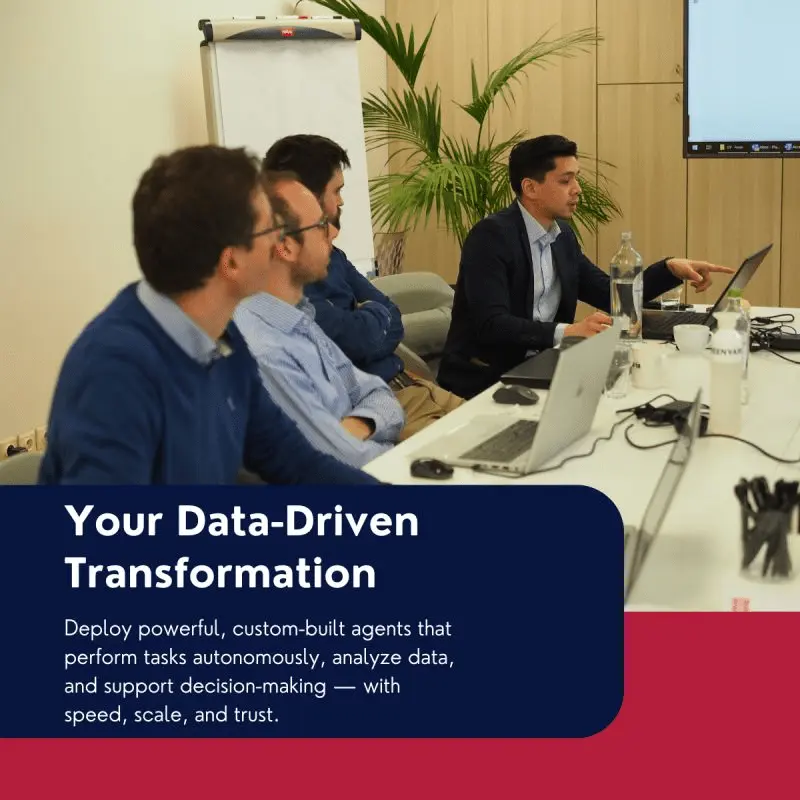
In addition to our trainings, we offer coaching services to help your teams apply their new skills in real situations.
Tailored support based on your specific needs
Assistance with project implementation
Effective knowledge transfer for rapid team autonomy
Leading IBM Planning Analytics training provider in France for 15 years with IBM's highest level of certification.
Effective and proven trainings, constantly updated to meet market evolutions and client needs.
From training to coaching, we guide you at every step to ensure project success and team autonomy.
Individual or team coaching tailored to your specific needs, helping you gain autonomy, apply concepts in real-world scenarios, and accelerate skill development.
We offer:
• Remote sessions (interactive training with access to our servers)
• On-site sessions (at our premises or yours)
Both programs are equivalent and can be adapted to your constraints.
Aexis is an accredited training organization and has been the leading provider of IBM Planning Analytics training in France for over 15 years. We offer courses aligned with IBM best practices and real-world project experience.
Yes. Beyond standard trainings, we design tailored sessions (in-house) and personalized coaching adapted to your application, team profiles, and objectives.
Coaching is a one-on-one support program led by an expert trainer:
• Sessions focused on your specific use cases
• Accelerated knowledge transfer
• Flexible scheduling to fit your availability
Check the Calendar section or contact us for dedicated sessions. Additional slots can be scheduled based on demand.
Last updated on May 18, 2026