
Consultant specialized in financial transformation and FP&A solutions. Supports organizations in structuring SAP and IBM Planning Analytics architectures.
In many organizations, the ERP already sits at the core of billing, procurement, payroll, accounting, and operational flows. But when finance teams need to simulate scenarios, produce a reliable rolling forecast, shorten the budget cycle, or steer performance across multiple dimensions, the ERP on its own quickly reaches its limits. This is where a connection with IBM Planning Analytics becomes valuable. The goal is not to replace the ERP, but to complement it with a dedicated FP&A layer so that transaction processing and analytics remain clearly separated without breaking data continuity. SAP and SAP S/4HANA are very common cases, but the logic applies much more broadly.
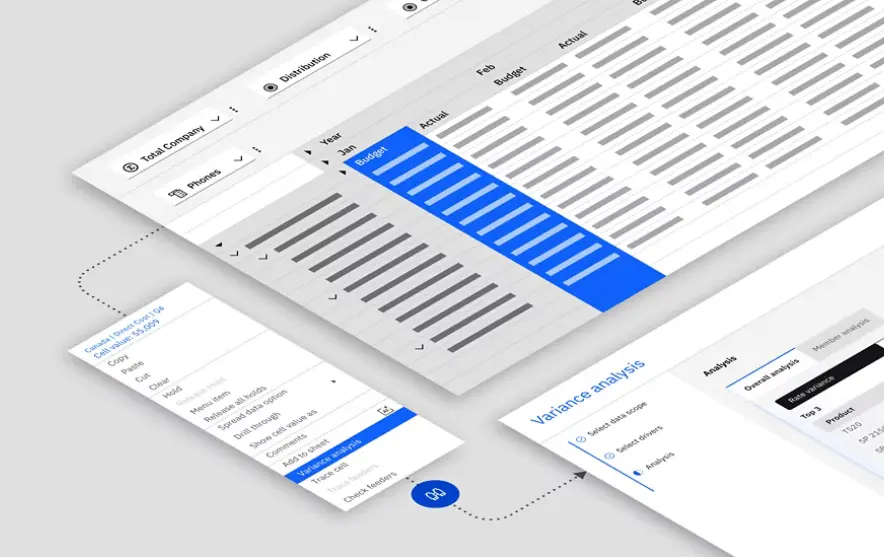
Separating transaction processing and analytics creates a healthier architecture
SAP is built to record, secure, and audit business operations such as orders, invoices, purchases, inventory, payroll, and accounting entries. IBM Planning Analytics is built to analyze, project, simulate, and steer performance.
Connecting the two allows each platform to keep its natural role. The ERP remains the transactional source of truth, while the FP&A platform becomes the environment for planning, forecasting, and decision support.
A single source of truth that is actually usable
When SAP data automatically feeds Planning Analytics, finance teams work on a governed, up-to-date, and consistent foundation. They no longer need to rebuild reality from manual Excel exports, intermediate files, or local adjustments.
Business example: in a multi-entity finance organization, actual sales, purchasing data, and HR costs are loaded from SAP every night. Controllers can review budget variances first thing in the morning without manual re-entry or parallel consolidation.
Automating data flows shortens finance cycles
The SAP to IBM Planning Analytics connection can be automated through ETL, APIs, or dedicated connectors, with daily, hourly, or context-specific refresh frequencies. The value is not only technical. It is visible in shorter planning and reporting cycles.
Business example: during a monthly forecast, controllers no longer wait for dozens of spreadsheets from subsidiaries. Actuals are already loaded into the model, so the team can focus on assumptions, explanations, and business arbitration.
SAP and IBM Planning Analytics: who does what?
The point is not to choose one against the other, but to understand how they complement each other in a modern performance management architecture.
| Dimension | SAP | IBM Planning Analytics | Business benefit |
|---|---|---|---|
| Primary role | Record and secure operations | Plan, simulate, forecast, and analyze | Each tool stays in its area of strength |
| Time horizon | Reliable view of actuals and transactions | Future-oriented view of scenarios, landing, and forecast | Finance moves from observation to anticipation |
| Analysis model | Structured around ERP objects and entries | Multidimensional by product, region, business unit, customer, or channel | Controllers can analyze with more depth without off-system rework |
| Main users | Accounting, procurement, supply chain, operations, IT | CFO office, controlling, business managers, finance business partners | IT governs data while business teams steer performance |
Planning and simulation: where the ERP alone is not enough
SAP is excellent at explaining what happened. Advanced planning, allocation modeling, what-if scenarios, and multi-assumption projections usually require a dedicated layer such as IBM Planning Analytics.
Business example: a manufacturer can simulate the impact of an 8% raw material increase on margin by product line, plant, and country within minutes. A retailer can test several discount assumptions. A services group can recalculate year-end landing after a change in utilization and billing rates.
A closer look at SAP S/4HANA and IBM Planning Analytics
Even though the topic applies to ERP environments in general, SAP and SAP S/4HANA are frequent anchors in finance transformation projects. They provide the robust transactional backbone, while IBM Planning Analytics adds the projection, simulation, and steering layer expected by finance leadership and controlling.
That combination is especially relevant when the organization wants to preserve ERP data quality while giving finance teams more analytical flexibility. In practice, SAP S/4HANA manages actuals and operational references, while IBM Planning Analytics accelerates budgeting, forecasting, scenario planning, and multidimensional analysis.
Who actually needs this kind of setup?
The value of this connection is different for each role, but it addresses very concrete friction points in most structured organizations.
CFO / Finance leadership
To secure budgeting, forecasting, and landing processes, speed up decisions, and align projected performance with SAP actuals.
Controlling
To analyze variances without spreadsheet gymnastics, build robust allocations, simulate assumptions, and shorten close and forecast cycles.
IT / Finance systems
To industrialize interfaces, reduce shadow IT, strengthen data governance, and give business users a fit-for-purpose analytical layer without overloading the ERP.
Business teams
To contribute to sales, workforce, or operational forecasts within a shared framework with finance, based on the same figures and the same rules.
Faster analysis and more flexible reporting
Thanks to the TM1 in-memory engine, IBM Planning Analytics can process large data volumes quickly and recalculate assumptions almost in real time. Where the ERP can feel rigid for analytics, the FP&A platform is designed for rapid exploration and flexible reporting.
Business example: a CFO can open a dashboard by entity, product, or region, change a growth assumption, and immediately see the effect on revenue, margin, and EBITDA without waiting for an IT-led batch process.
Better collaboration between finance, IT, and the business
In this architecture, IT retains control over master data, interfaces, access rights, and data quality coming from SAP. Finance keeps ownership of business rules, allocations, assumptions, and contribution workflows in Planning Analytics.
That split is healthy. It prevents the ERP from becoming a makeshift simulation tool while also preventing finance from rebuilding an informal information system in local spreadsheets.
Stronger governance and less dependence on Excel
Without an integrated architecture, Excel often ends up serving as a data store, calculation engine, consolidation layer, and reporting support all at once. That creates versioning risk, human error, and poor traceability.
With SAP connected to IBM Planning Analytics, Excel can remain a practical interface for some users, but it no longer carries the truth of the numbers. Governance becomes clearer: SAP for transactions, Planning Analytics for performance rules, Excel only as an access layer when needed.
Why this architecture is becoming a standard
The SAP + IBM Planning Analytics combination reflects a pattern that is becoming standard in mature finance organizations: secure the actuals, automate flows, accelerate projections, and give business teams a more flexible steering environment.
For CFOs, controllers, and IT leaders, the benefit is not only technical. It is organizational: each team works in the right tool, with clearer accountability, shorter cycles, and a stronger ability to turn data into decisions.